Rapidly convert your text to speech for free
with stunning lifelike sounding AI Voices that will resonate with your audience
Use text to speech free online with six AI voices. Paste your script, listen in your browser, and download a WAV file.
Create instant realistic voices with a free AI voice generator
NO NEED to rent a recording studio to get your script recorded, to invest in expensive recording equipment (If you are recording from home), and recruit or outsource the entire project to an audio editor to mix the audio and produce high quality voiceover. NOT TO MENTION, The valuable hours dedicated to the entire process. Even after all this, the quality of the produced audio file may be subpar.
Let's get started with free text to speech
IMPORT YOUR TEXT MESSAGE | STORY
SELECT YOUR AI VOICE AND LANGUAGE
Convert your text to your AI audio voice file.
Download your AI voice
Select an ai voice to captivate your audience
Use the right voice ... Pick from a range of AI voice personas to find the perfect fit for your production needs
Choose a voice to hear a short preview. The first preview downloads its voice pack.
Choose your langugage for your audience
6 free voices across English, Russian, Spanish, French, and German. English includes US and UK voices.
popular AI speaking styles
CONVERSATIONAL
Conversational style of speaking is a one-on-one conversation between your audience and you!
NARRATIVE
Narrative style of speaking helps connect ideas, concepts, or events. The narrative style tells a story!.
PROMOTIONAL
Promotional style of speaking helps to inform and influence your audience to try, purchase, or take an alternative action!
BROADCAST
Broadcast style of speaking is a public notification or bulletin of events!
BIOGRAPHICAL
Biographical style of speaking is telling the life of celebrities and politicians!
Popular uses for AI voiceovers
For longer scripts, convert passages of up to 2,000 characters.
Why choose Create AI Voiceovers?
MORE CONVENIENT
Faster time to market and a simplified production process
SUPER EASY AND FAST
It is quite easy to use our online tool. No learning curve. Just copy and paste the content.
Check out our Blog
Sharing our expertise, breaking news, and ideas about AI
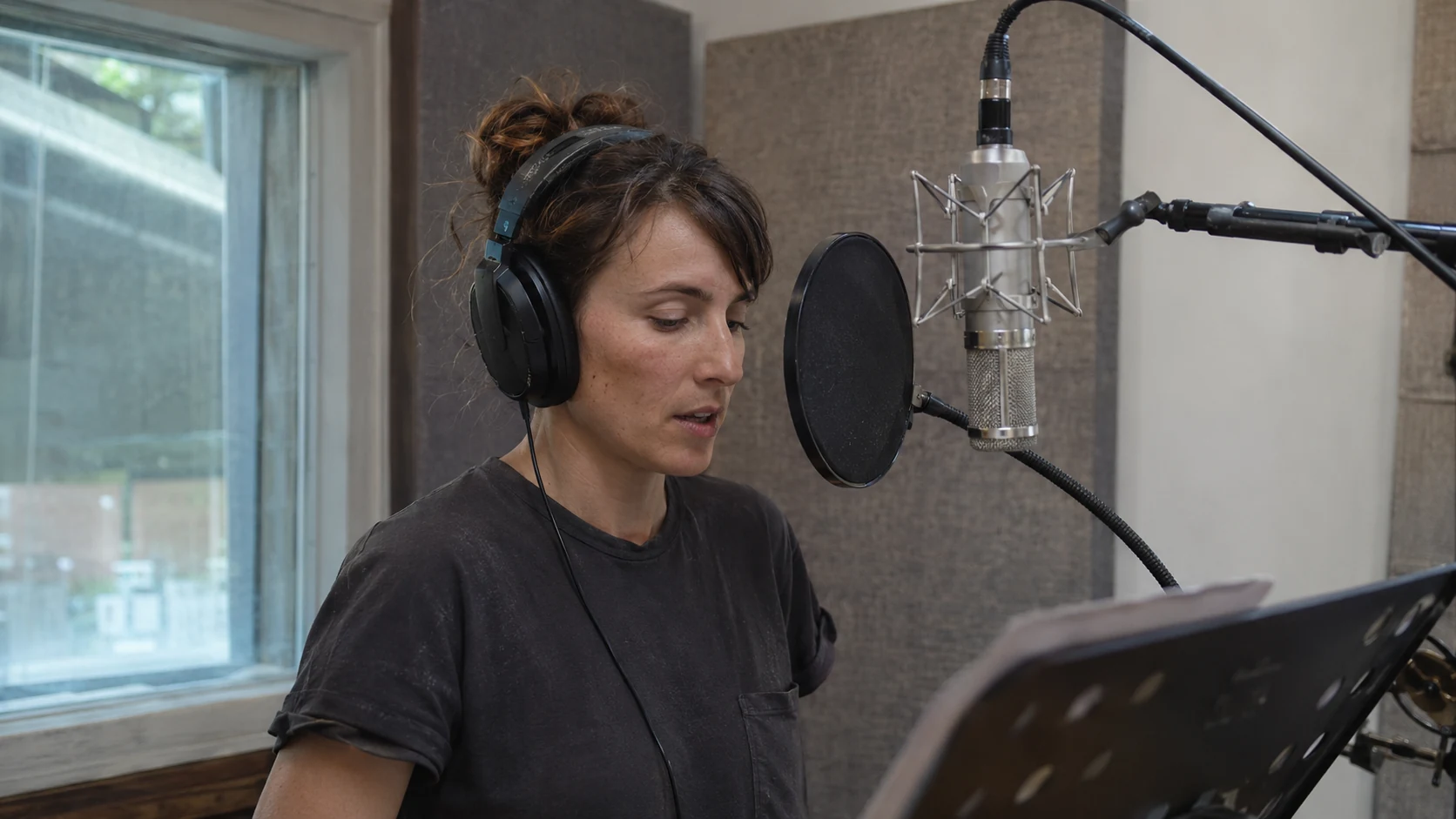
The State-of-the-Art Synthetic Voices in Multiple Languages
As a content creator, educator, or enterpreneur it is important that you are using Artificial Intelligency strategies to help save time and money as Text-to-Speech solutions can be enabled easily with minimal maintenance.
Read article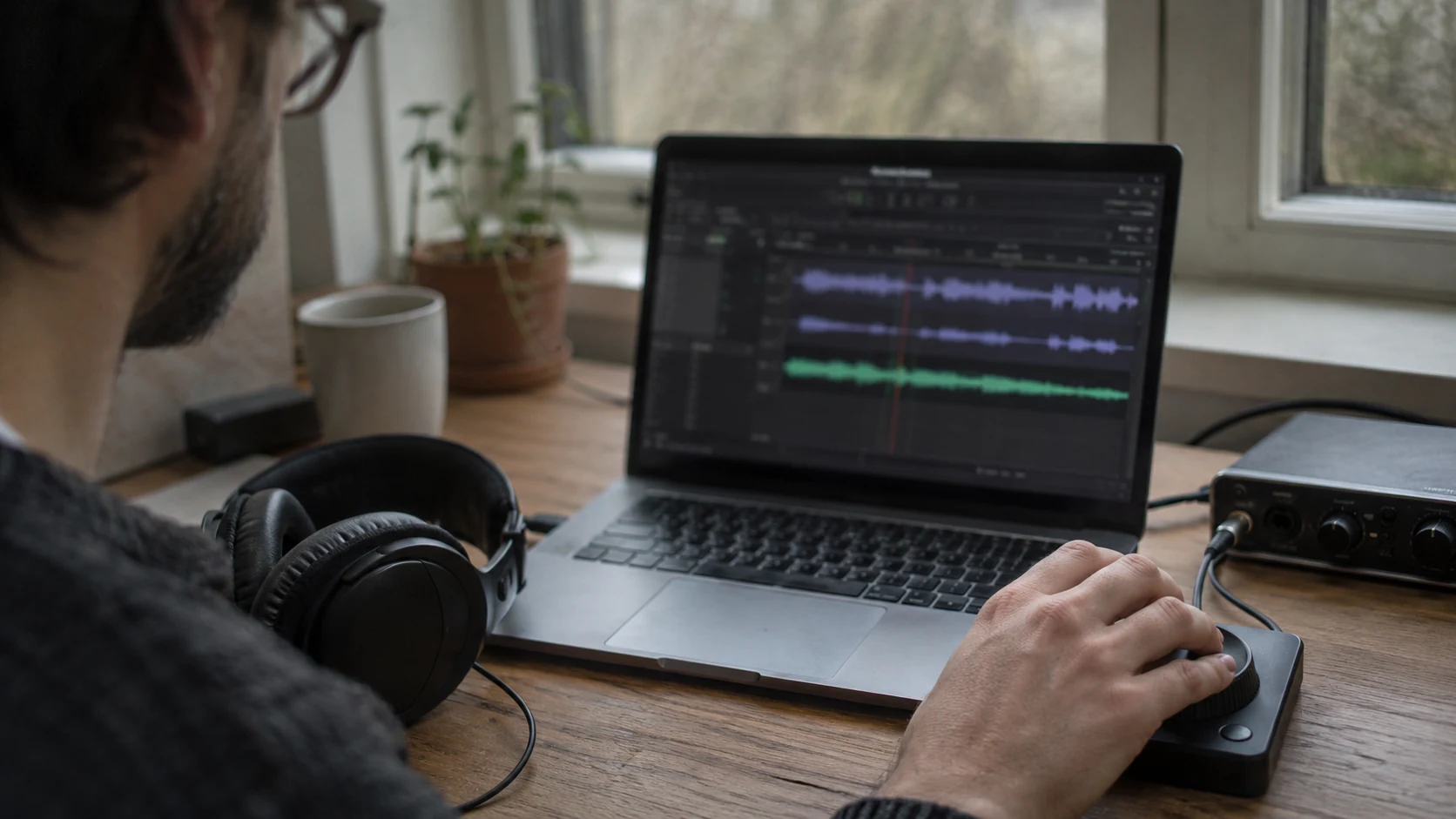
Generate Better Audio Content with Quick Turnaround
Content that requires the human voice, such as videos, podcasts, audio, ads, and online courses. is getting more popular and more engaging then text or images alone. This presents businesses, content creators, and marketers with a challenge: finding voices for all this audio material.
Read article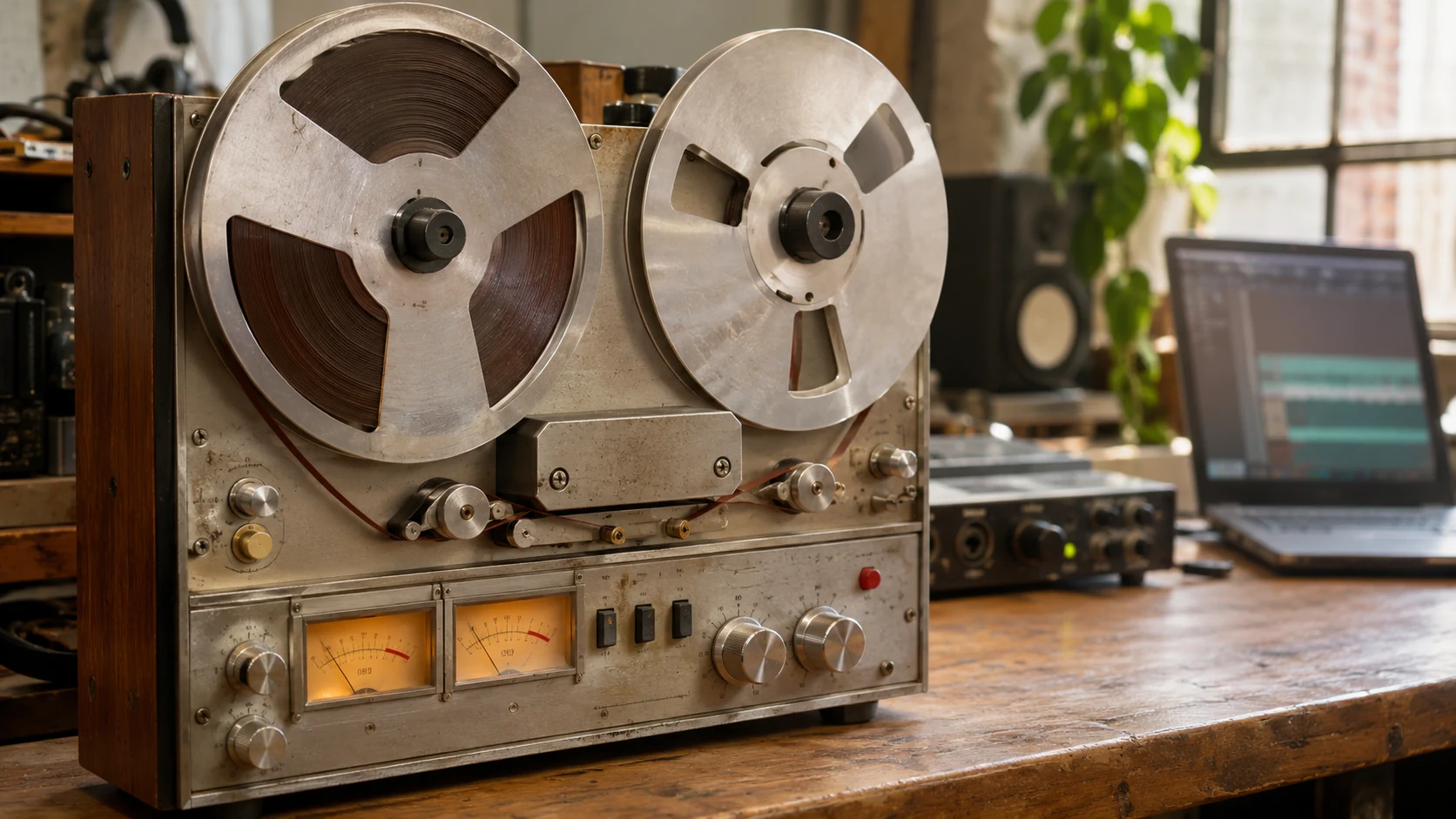
The Evolution of Text-to-Speech Technology
Stephen Hawking is probably the first name that comes to mind when text to speech (TTS) voice assistive technology is mentioned.
Read articleA few helpful answers
Is text-to-speech conversion really free?
Yes. All available voices, generation, playback, and WAV downloads are free. No account or payment details are required to use the converter.
How much text can I convert?
You can convert up to 2,000 characters at a time. For longer text, split it into shorter passages and convert them separately.
Why does the first conversion take longer?
Your browser downloads the selected voice pack, then creates the audio on your device. Voice packs are about 29–64 MB and can be saved in your browser for future use. Your connection and device affect how long generation takes.
Which file formats can I use?
Paste or type your text, or upload a plain-text TXT file. Your generated audio is available to download as a WAV file.
What happens to my text?
Conversion runs in your browser. Your text and generated audio are not uploaded to our server. The browser downloads the voice model separately and may store it on your device.
What if the audio does not generate?
Use a current version of Chrome, Edge, Firefox, or Safari and keep this tab open while it works. Check your internet connection for the first voice download, or try a shorter passage. You can cancel and try again without losing your text.